Track every rupee, in every project
Per-project ledger, GST fields, UPI as first-class payment, vendor balances, expense approvals and PDF reports for your accountant. Built for the way Indian interior design studios actually run money.
Interior IO replaces Excel + Tally + paper invoices with one connected money platform. Every transaction is per-project and tagged by category and payment method (Cash / Bank / UPI / Cheque). Live margin %, vendor balances and PDF reports for the accountant.
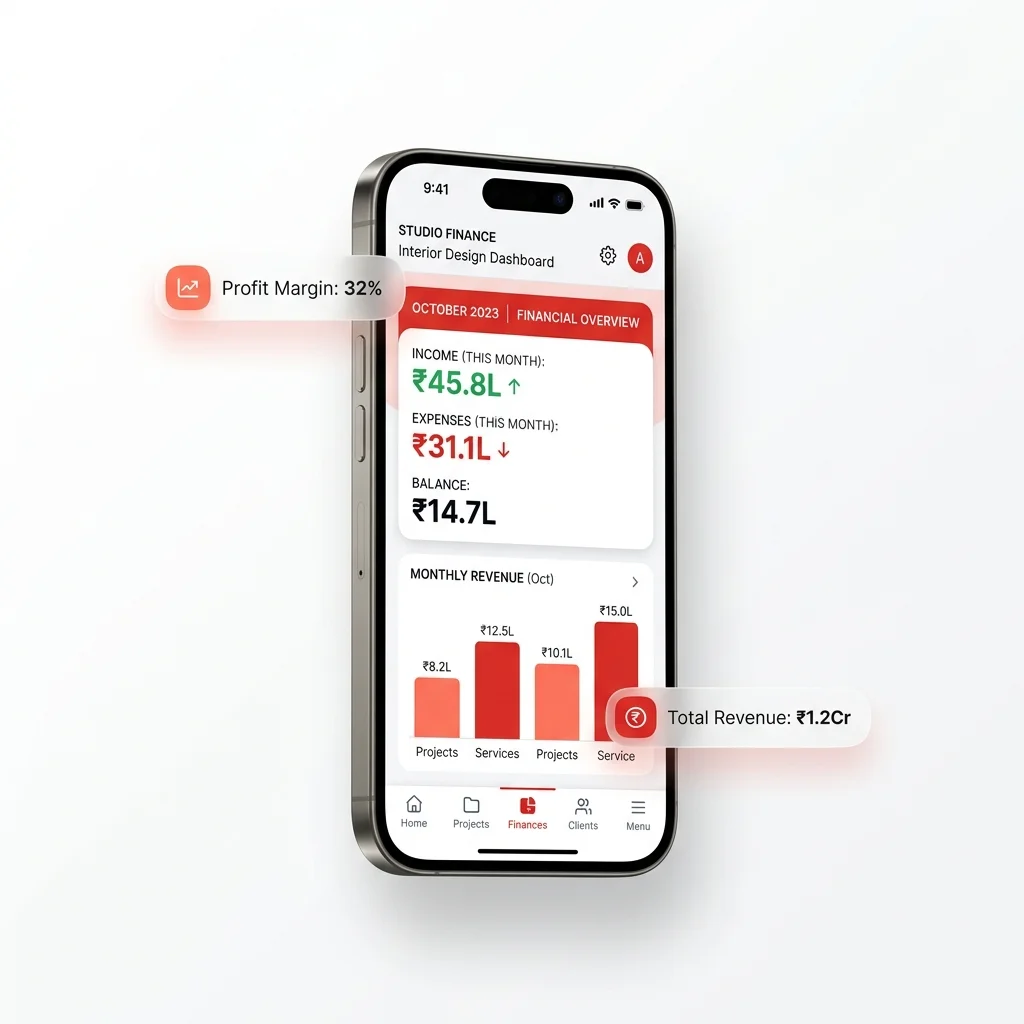
Everything money in one place
Stop reconciling Excel sheets with Tally entries at month-end. Interior IO gives you a live money picture across every project.
Per-project ledger
Every payment in and out tagged by category and payment method. Green-coded IN, red-coded OUT.
Studio dashboard
Net balance month-to-date, live margin %, monthly trends across every active project.
Approval workflow
Site engineer expenses queue for owner approval. Full audit trail on every rupee.
PDF reports
One-tap PDF for any project, period or filter combination. Share with accountants instantly.
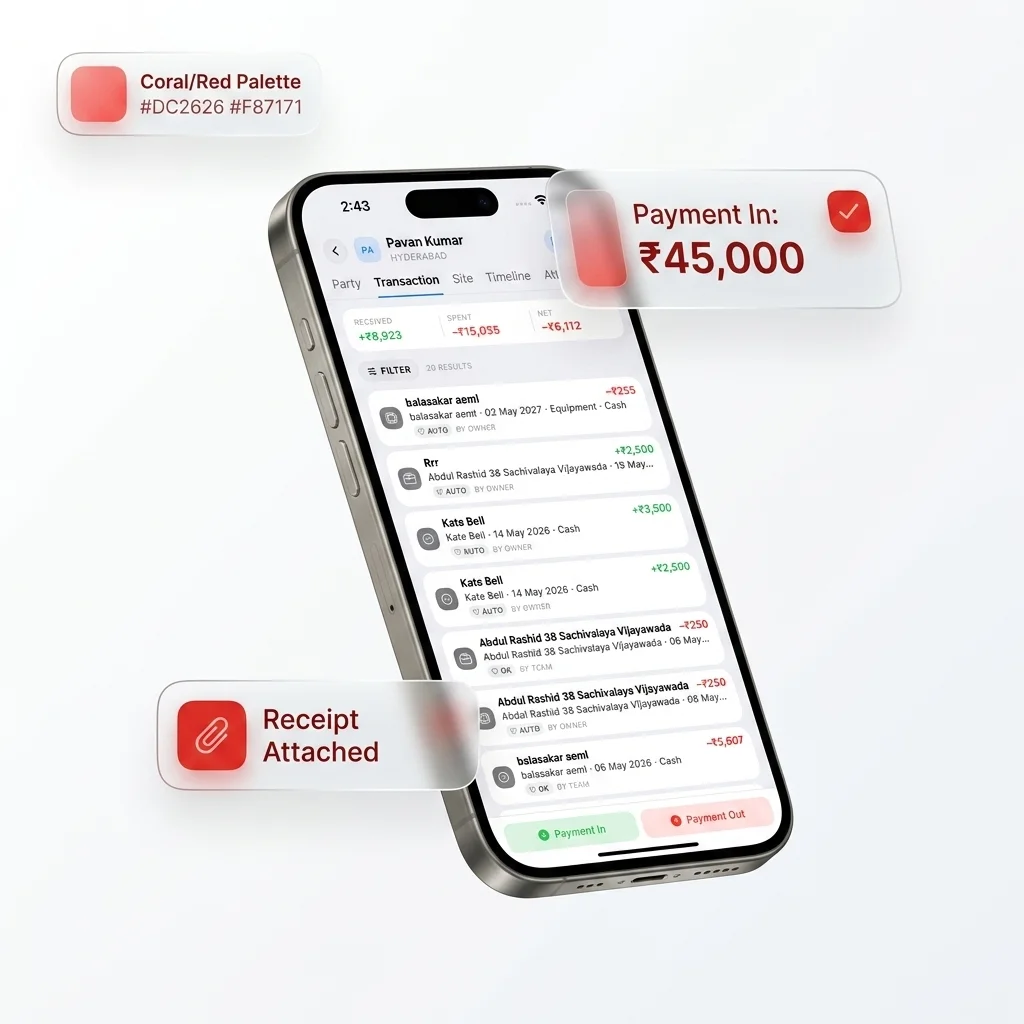
Every payment, in context
Each project has its own Transactions tab. Log Payment In or Payment Out in 15 seconds with category, party, payment method and an optional receipt photo. Filter by type, category or method instantly. The IN / OUT / BALANCE card sits at the top so you always know where the project stands.
- 11 categories — Labour, Material, Transport, Equipment, Sub-Contractor, Customer, Designer, Food & Travel, Fuel, Salary, Rent, Others
- 4 payment methods — Cash, Bank Transfer, Cheque, UPI
- Receipt photos stored privately per project
- Live IN / OUT / BALANCE card at the top
- Filter by Today / Week / Month / Custom date range
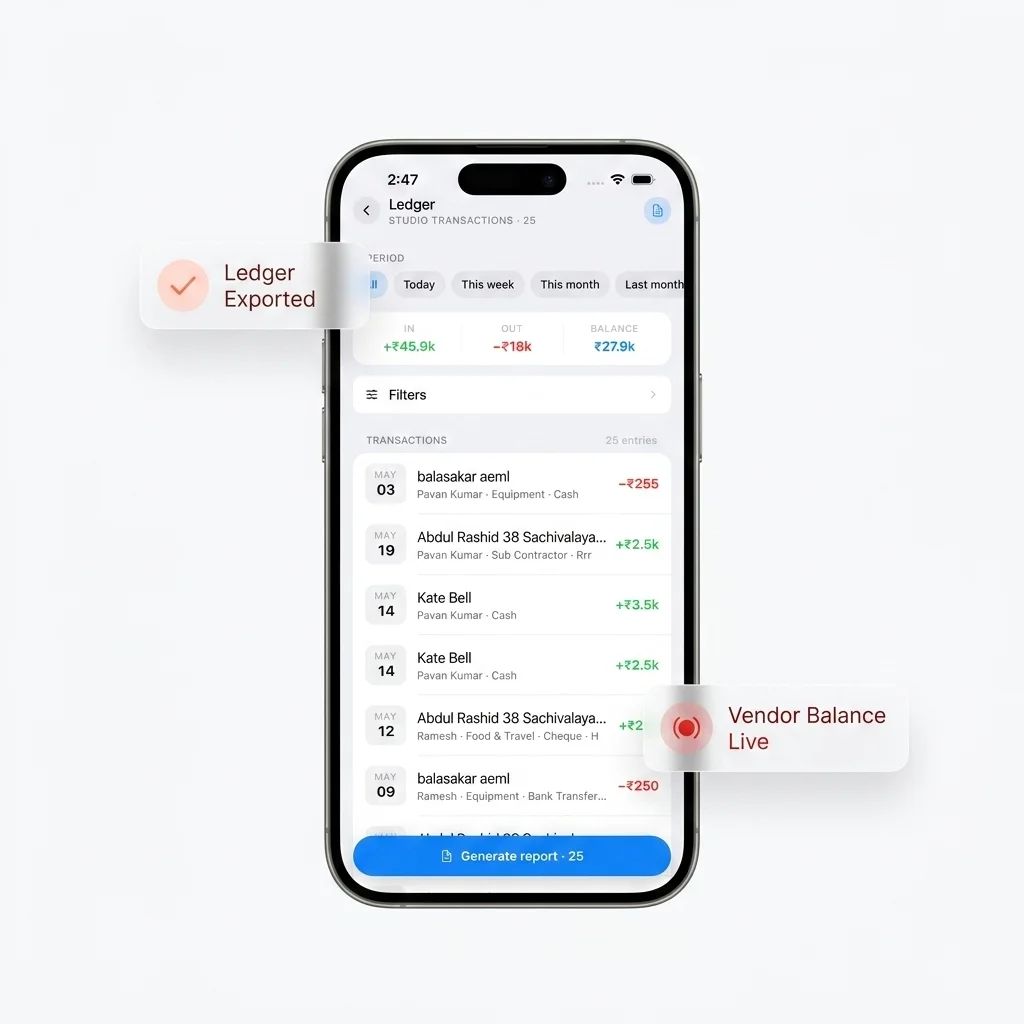
One ledger, every project
The Account → Ledger view rolls up every transaction across every project. Filter by project, party, category, payment method or period. Generate a single PDF report for the entire studio in any date range — perfect for your accountant or for monthly close-out reviews.
- Combined IN / OUT / Balance across every project
- Filter by period — Today / Week / Month / Last month / Custom
- Multi-select project filter
- Filter by party, type, category, payment method
- One-tap PDF export with active filters applied
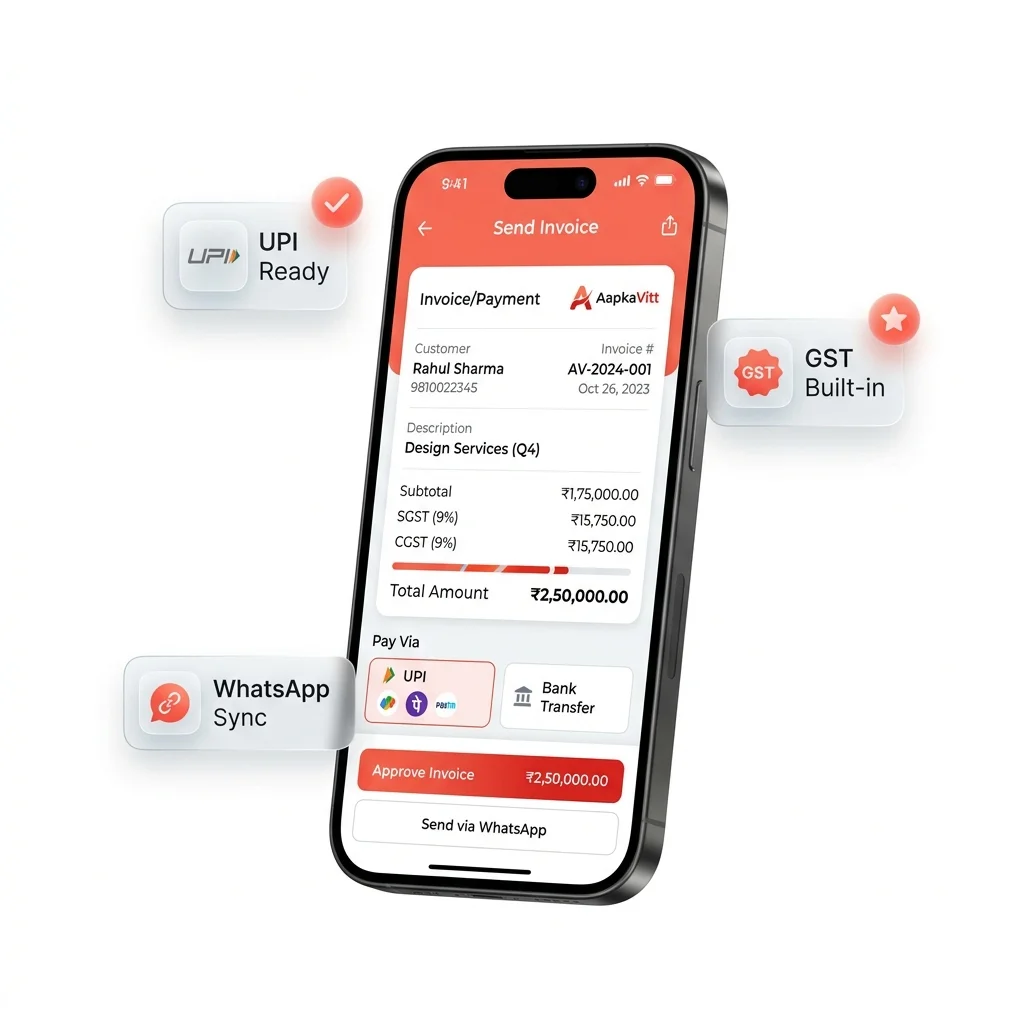
INR, GST, UPI & lakh / crore — out of the box
Numbers display in compact Indian format (₹2.5L, ₹1.2Cr) so big amounts stay readable at a glance. GST fields on every party and project. UPI is a first-class payment method alongside Cash, Bank Transfer and Cheque. WhatsApp is a one-tap action everywhere — call, share or chat.
- Compact INR display: ₹2.5L instead of ₹2,50,000
- GST field on parties (vendor, contractor, client)
- GST field on projects for invoice generation
- UPI as a default payment method, not an afterthought
- WhatsApp button on every party and lead
From first payment to month-end PDF
A single workflow that runs every studio's money operations.
Log payment
Tap Payment In or Out. 15 seconds.
Tag it
Category, party, payment method.
Approve
Site expenses go to owner first.
Track live
IN, OUT, BALANCE, margin %.
Export PDF
For accountant or client.
From Excel + Tally chaos to live money clarity
Most interior studios discover budget overruns at month-end — when the damage is already done. Interior IO surfaces them in real time.
Without Interior IO
- 5 Excel sheets per project, none of them current
- Tally entries reconciled at month-end (or quarter-end)
- Vendor balances tracked on paper, lost easily
- Receipts in a drawer, mostly photographed but disorganised
- Budget overruns discovered too late to fix
- Site engineer spends without owner sign-off
With Interior IO
- One per-project ledger, live as transactions are logged
- Studio-wide dashboard rolls up all projects in real-time
- Vendor balance live on every party profile
- Receipt photos attached to the transaction, searchable
- Live margin % shows overruns the day they happen
- Pending approval queue forces owner sign-off first
Common questions
What is the best accounting software for interior designers in India?
Does Interior IO support GST?
Can I track vendor payments and balances?
How do I see profit margin per project?
Can my accountant view the data?
Does it replace Tally?
Get a live money picture in 5 minutes
Free forever for 1 project. Set up your studio, log your first payment, see the dashboard light up.